
If you’re a student new to cloud computing or looking to start your career in tech, you’ve probably come across Amazon Web Services (AWS). One common question students ask is: Where does AWS actually store data? This isn’t just a technical detail, it’s a fundamental concept in understanding how the cloud works. Whether you’re learning AWS through self-study or building real-world skills with AWS Training in Dindigul, this guide will help you understand where AWS stores your data, how its global infrastructure is organized, and why this knowledge is essential for future cloud professionals like you.
What Is the AWS Global Infrastructure?
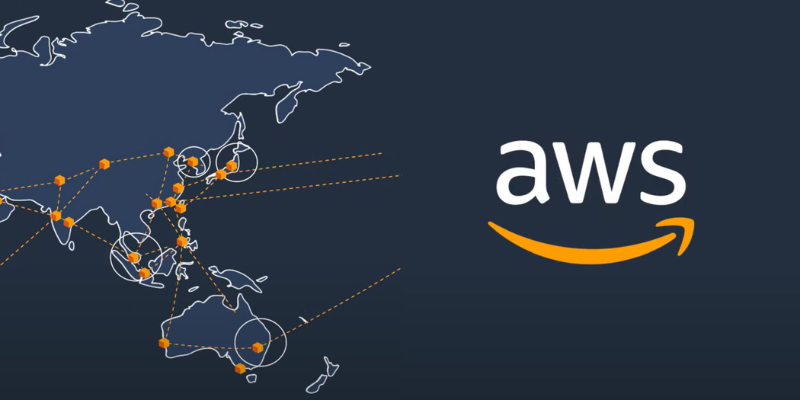
To understand where AWS stores your data, we need to start with its global infrastructure. AWS is not one massive server farm it’s a global network of secure data centers, broken into:
- Regions: Geographic locations like Mumbai, Ohio, or Singapore
- Availability Zones (AZs): Isolated data centers within each Region
- Edge Locations: CDN endpoints used for fast content delivery via Cloud Front
This design allows AWS to offer high availability, low latency, and fault tolerance no matter where users are located.
So when AWS says your data is in the “cloud,” it’s really sitting on physical servers likely in the Region you select.
How to Choose Where AWS Stores Your Data
When you launch any service on AWS like an EC2 instance, an RDS database, or an S3 bucket you have to choose a Region. That Region decides where your data is physically stored. If you’re a student taking AWS Training in Kanchipuram, you’ll learn how to make smart Region choices by considering factors like speed, security rules, and pricing skills that are essential for real-world cloud projects.
For example:
- If you choose the Asia Pacific (Mumbai) Region, your data is hosted in Indian-based data centers.
- Choosing US East (Ohio) means your data lives in U.S. data centers, spread across multiple AZs.
This decision isn’t just about geography, it’s about performance, cost, and compliance. Certain industries or countries require data to stay within national borders. AWS gives you the flexibility to meet these needs.
Why It Matters for Students
As students prepare for a career in cloud computing, understanding AWS infrastructure is essential. You’re not just learning how to launch a virtual machine, you’re learning how to build scalable, secure, and regionally-compliant systems. Want to learn more about this, consider enrolling in the AWS Certification In Salem. It’s not enough to know what a Region is, you should know when and why to choose one Region over another.
Real-World Example: Hosting a Website on AWS
Imagine you’re building a project for your college portfolio: a website using AWS S3 for static hosting and Cloud Front for delivery.
You can:
- Store the website files in a bucket located in the Singapore Region
- Distribute them globally using Cloud Front’s Edge Locations
- Track how performance differs based on where your users are accessing the content
This real-world application shows exactly where AWS stores your data, how to manage it for speed and reliability, and how services like AWS Lambda process that data without the need to manage servers.
Best Practices for Data Location
As a student getting hands-on with AWS, here are some tips to remember:
- Choose the right Region for your users and compliance requirements
- Use multiple Availability Zones for high availability
- Avoid hardcoding Regions in your code keep things flexible
- Leverage tools like AWS Cloud Formation for repeatable, Region-specific deployments
- Monitor AWS announcements new Regions and services are added often
These strategies not only prepare you for real-world scenarios, but they’ll also help in exams and interviews.
Knowing where AWS stores your data isn’t just for architects and system admins, it’s for you, the student who’s building the future of tech. With AWS’s powerful and flexible infrastructure, you can control data placement, ensure compliance, and design solutions that scale worldwide.
As you learn about how AWS stores data like choosing the right Region for services such as EC2, RDS, or S3 you’ll also gain hands-on experience with key cloud concepts that often appear in real-world scenarios and certification exams. These are exactly the kind of skills you’ll build while preparing for Aws Training In Tirunelveli. Cloud skills are no longer optional; they’re essential. By understanding how AWS works under the hood, especially where AWS stores your data, you’ll be prepared not just to pass exams, but to build solutions that make an impact.
So next time someone says “it’s in the cloud,” you’ll know exactly where it is and how it got there
Also check: AWS Solution Architect Certification Preparation